Start your multi-account operation
Create your first browser environment in minutes
Download Web4 Browser, create an independent browser identity, and manage multiple accounts safely and efficiently.
The ticketing team is often required to handle event tasks, show ticketing, distribution accounts and regional access. Web4 Browser helps the team separate and manage accounts, agents, regions and operational processes to reduce the risk of correlation and interruption.
Suitable for teams:Event ticketing, performance ticketing, regional distribution, account collaboration and order processing teams.

The ticketing process is usually time-sensitive, and multiple accounts share the same environment or mismatched agents, which can easily lead to abnormal logins, task interruptions, and difficulty in tracking order status.
When multiple accounts share devices, cookies, local directories or proxies, environmental changes are difficult to track and risks are harder to review.
Inconsistencies in IP, language, time zone, resolution, and browser fingerprints will amplify platform abnormality determination and team troubleshooting costs.
If login check, page inspection, status recording and abnormal feedback are completely dependent on manual labor, the larger the scale, the easier it is to get out of control.
Create independent browser environments for different events, ticketing platforms, regions and distribution roles.
Cookies, local data and execution logs are saved with Profile to facilitate review and handover.
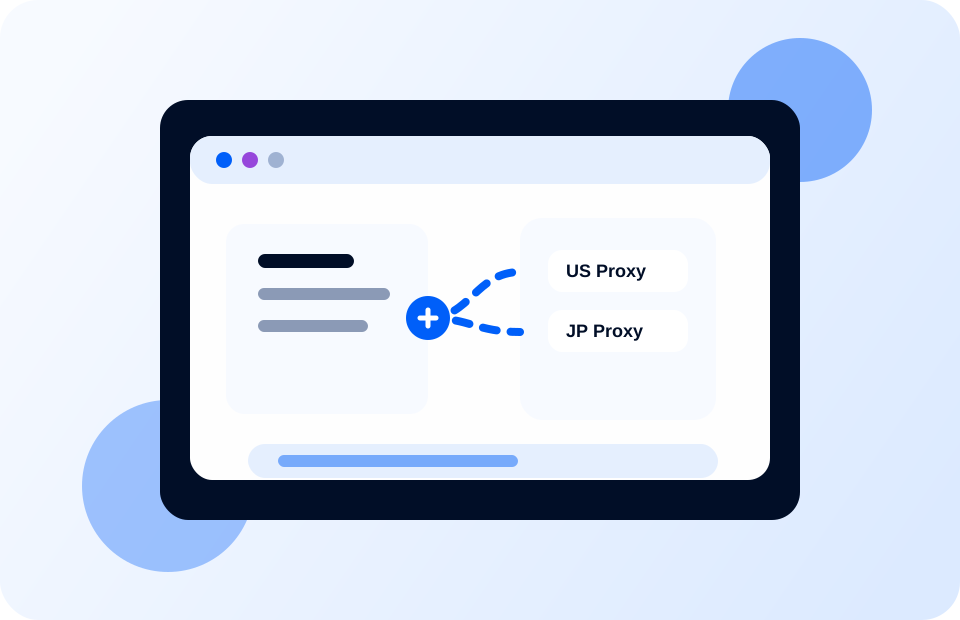
Automatically check logins, queues, status pages and order feedback to reduce manual operations during tight windows.
First, establish clear groupings according to business scenarios to avoid mixing accounts and projects.
Bind agents, fingerprints, local data and team permissions to form a stable environment template.
Offload duplication checking, login verification, page inspection, and logging tasks to automated processes.
Through logs and results review, we can establish replicable team operating standards.
Through independent profile and local data isolation, the environmental interaction between accounts is reduced.
Bind agents, regions, languages, time zones and task scenarios to reduce manual configuration deviations.
Combine AI Agents, Skills, and headless automation to turn repetitive tasks into reusable processes.
Suitable for teams operating multiple platforms, brands, regions and member accounts at the same time. Web4 Browser changes the account environment from...

Online reputation management requires maintaining review accounts and customer service identities by brand, region, platform and team role. Web4 Browser helps the team isolate the account environment and integrate word-of-mouth inspection, reply and recording flow...
For multi-store teams such as Amazon, Shopee, eBay, TikTok Shop, etc., Web4 Browser helps you combine store accounts, customer service accounts, purchasing accounts...
Download Web4 Browser, create an independent browser identity, and manage multiple accounts safely and efficiently.