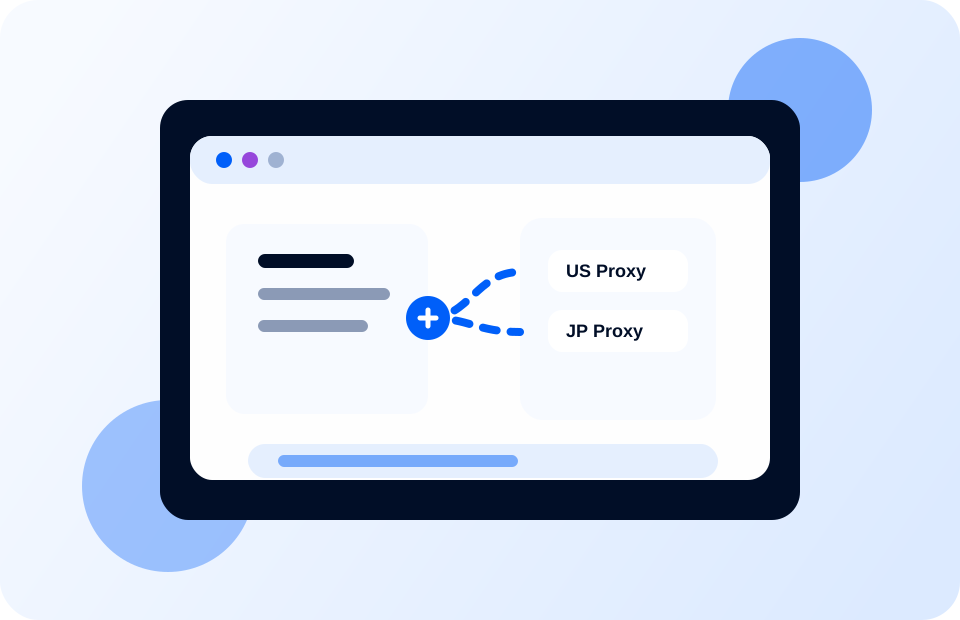
Agency management

Provide clear mapping between agents, regions, languages ​​and profiles

Proxy management should be more than just a list of addresses and ports. Web4 Browser puts agent resources, account environments, business tags and team groups into the same set of management logic to reduce mismatches and repeated configurations.

  • Supports access and configuration reuse of common proxy types.
  • Maintain agent resources by country, business line, platform and account group.
  • The agent, time zone, language and browser environment are consistent to facilitate team troubleshooting.
Proxy IP Manager Interface
Usage process

From agent import to environment startup, reducing manual switching

1

Import agent

Maintain agent information in bulk by region, supplier or project.

2

Bind Profile

Establish a fixed mapping between the proxy and the corresponding browser environment.

3

Check consistency

Check whether the language, time zone, and region tags match business requirements.

4

Start task

Reduce manual switching and repeated settings after the environment is started.

Clear regional resources

It is suitable for managing agent pools by country, city, and channel to prevent team members from getting the wrong resources.

Template reuse is faster

Commonly used agent configurations can be reused in similar business profiles to reduce repeated entry.

Reduce the risk of mismatch

After the account, agent, environment and business labels are unified, the troubleshooting link will be shorter.

Start your multi-account operation
Create your first browser environment in minutes

Download Web4 Browser, create an independent browser identity, and manage multiple accounts safely and efficiently.